Depth Spelunking Sloth — Sin Floor & Cathedral (v0.7.0b)
The Sin of Sloth in Depth Spelunking: summon rules after floor 5, Cathedral timer, blackout speed, and lazy-run queues—v0.7.0b tips before you drop.
FAQ
When can Sloth be summoned in Depth Spelunking?
What triggers Sloth in solo versus multiplayer?
What happens after the Sloth floor timer expires?
Does invisibility work against The Sin of Sloth?
Verified against v0.7.0b. Sloth punishes slow teamwork and AFK routing, not just horror mistakes. Read traumas explained for why instant kills still matter to economy runs, and priority and fear because blackouts tick fear during the cathedral gauntlet.
What Is the Fast Answer for Surviving Sloth?
Do not summon it by accident. Complete at least one task every few floors in multiplayer, and never sit on a floor with an entity while the elevator power bleeds in solo. If you hear the creepy jingle and load into Sloth’s Cathedral, use the pre-first-task window to scout tasks and consumables — Sloth does not spawn until task one is done. After that, 4 minutes 30 seconds is the hard ceiling to clear the heavy task count.
| Stage | What happens | Squad call |
|---|---|---|
| Queue | Sound cue; next floor is cathedral; 5-floor cooldown before another queue | Mark who triggered freeload tracking |
| Pre-spawn | Extra tasks on map; Sloth absent | Plan wall-based lanes |
| Active timer | Sloth patrols; sees through pillars/tables, not walls | Finish tasks in parallel paths |
| Blackouts | Sloth speeds up; fear bumps | Hold positions behind real walls |
| Overtime | Movement = aggro (reported infinite hearing) | Only move if willing to die |
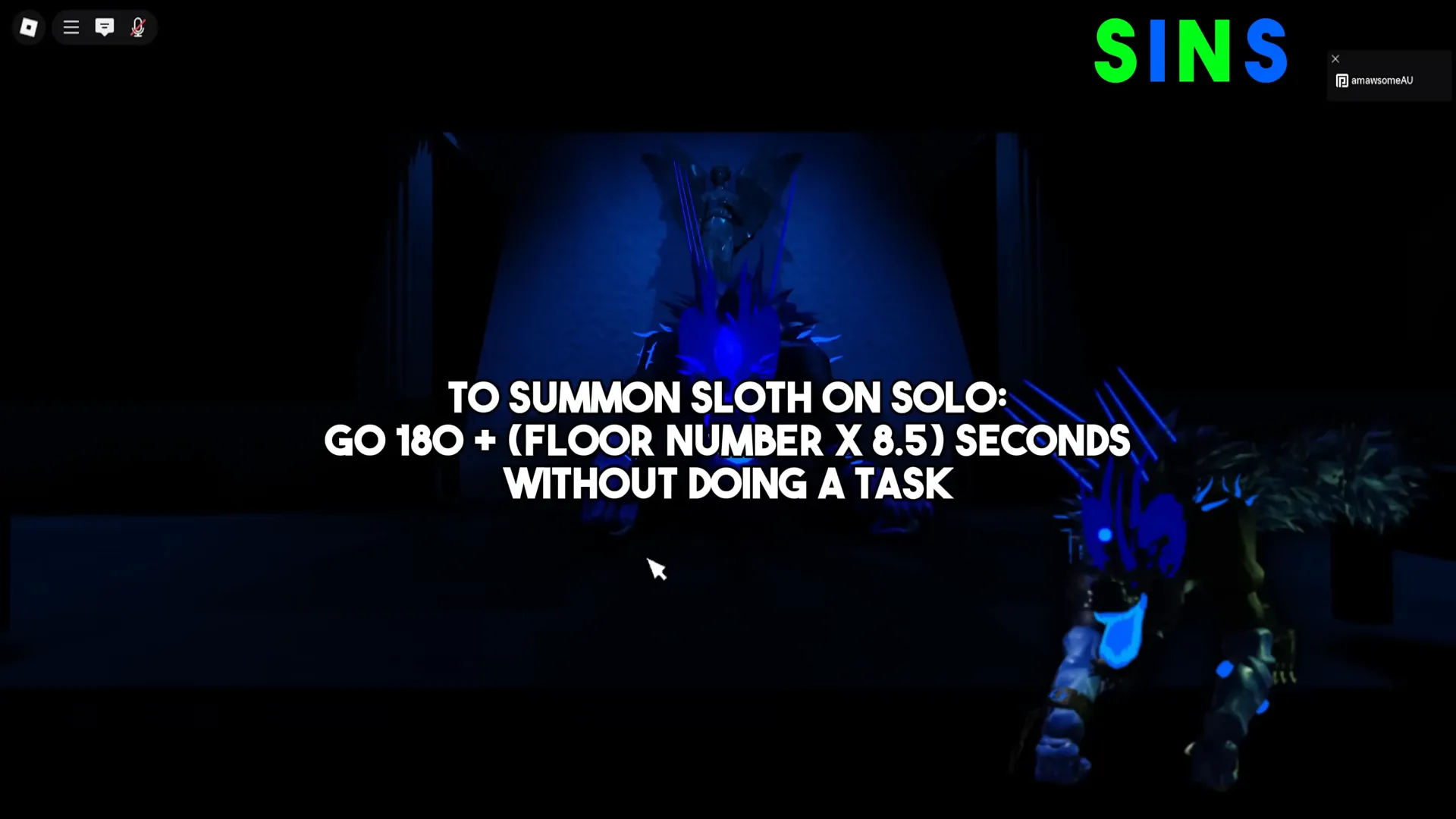
How Is Sloth Summoned?
Official minimum floor: DevForum 0.7.0a lists “Can only be summoned after floor 5.” Wiki-expanded rules (Discord-sourced formulas on their page — not re-published by DevForum) include:
Solo: On a floor that already spawns an entity, if you wait 180 + (floor × 8.5) seconds before completing the first task, Sloth queues for the next floor (for example ~222s on floor 5). Conditions met on floor 5 or earlier still wait until floor 6 per wiki queue rules.
Multiplayer: If any living delver goes 5 + ceil(alivePlayers ÷ 1.5) floors without completing a task, Sloth queues — examples from their table: 6 floors at 2 players, 11 at 10 players, 18 at 20 players.
Additional wiki notes we did not verify on DevForum: elevator power depletion with slow task clears may also queue Sloth. Treat that as “watch your power bar,” not a guaranteed trigger.
Priority conflicts: If Sloth queues with a Malfunction or Boss floor, Malfunction/Boss wins and Sloth waits.
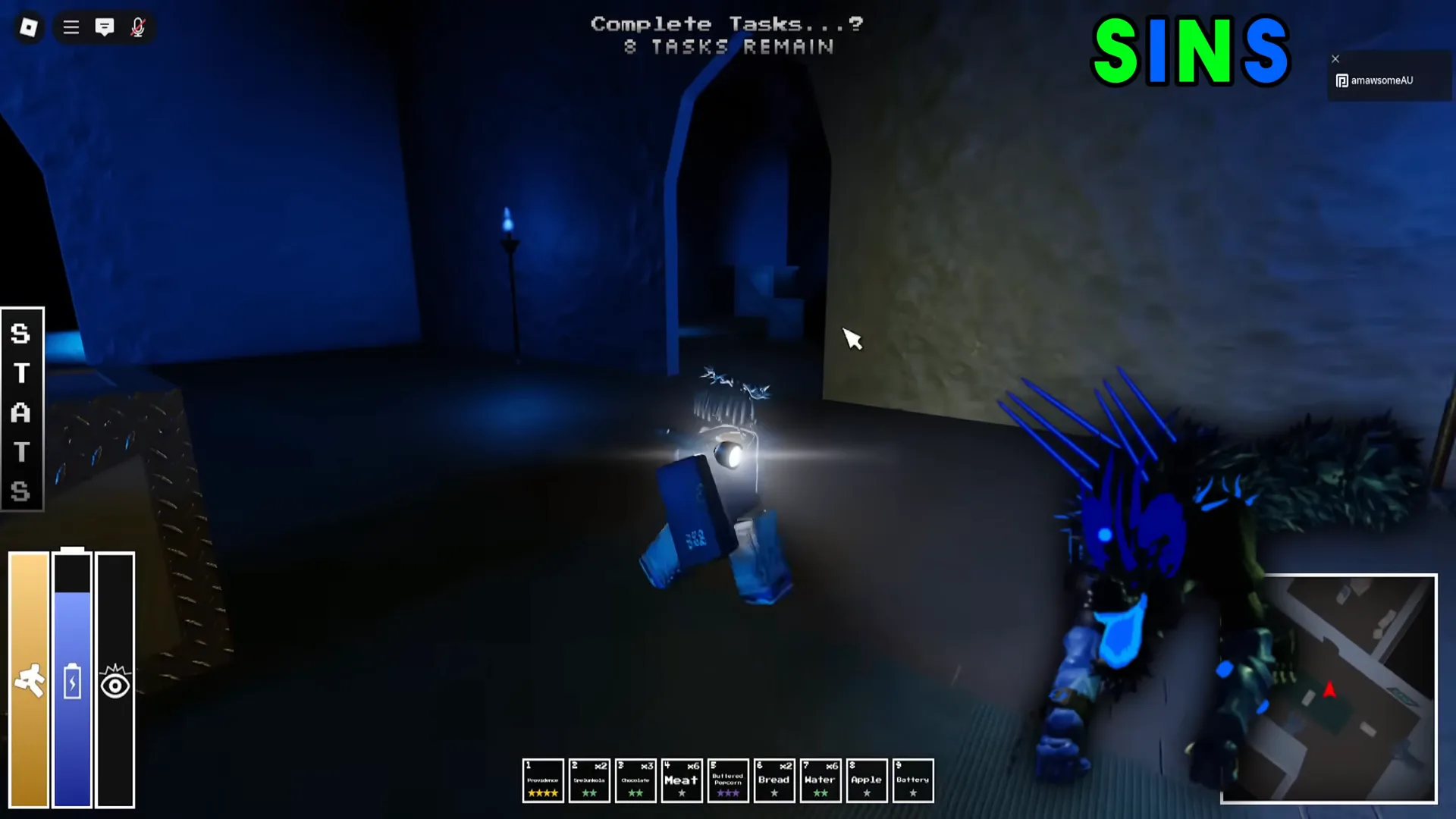
On-Floor Strategy (Sloth’s Cathedral)
- Use the grace period. Loot and read task types before first completion — no timer yet.
- Assign wall huggers. Pillars and banquet tables do not block Sloth sight; only full walls do.
- Parallel tasks, not star routes. The floor spawns more tasks than average — serial runners lose to blackouts.
- Track blackouts. Each blackout increases Sloth speed and nudges fear — factor into Hatman thresholds if you run high fear builds.
- Finish before 4:30. Overtime mode discards normal detection and listens for any movement (community testing; treat as fail-closed).
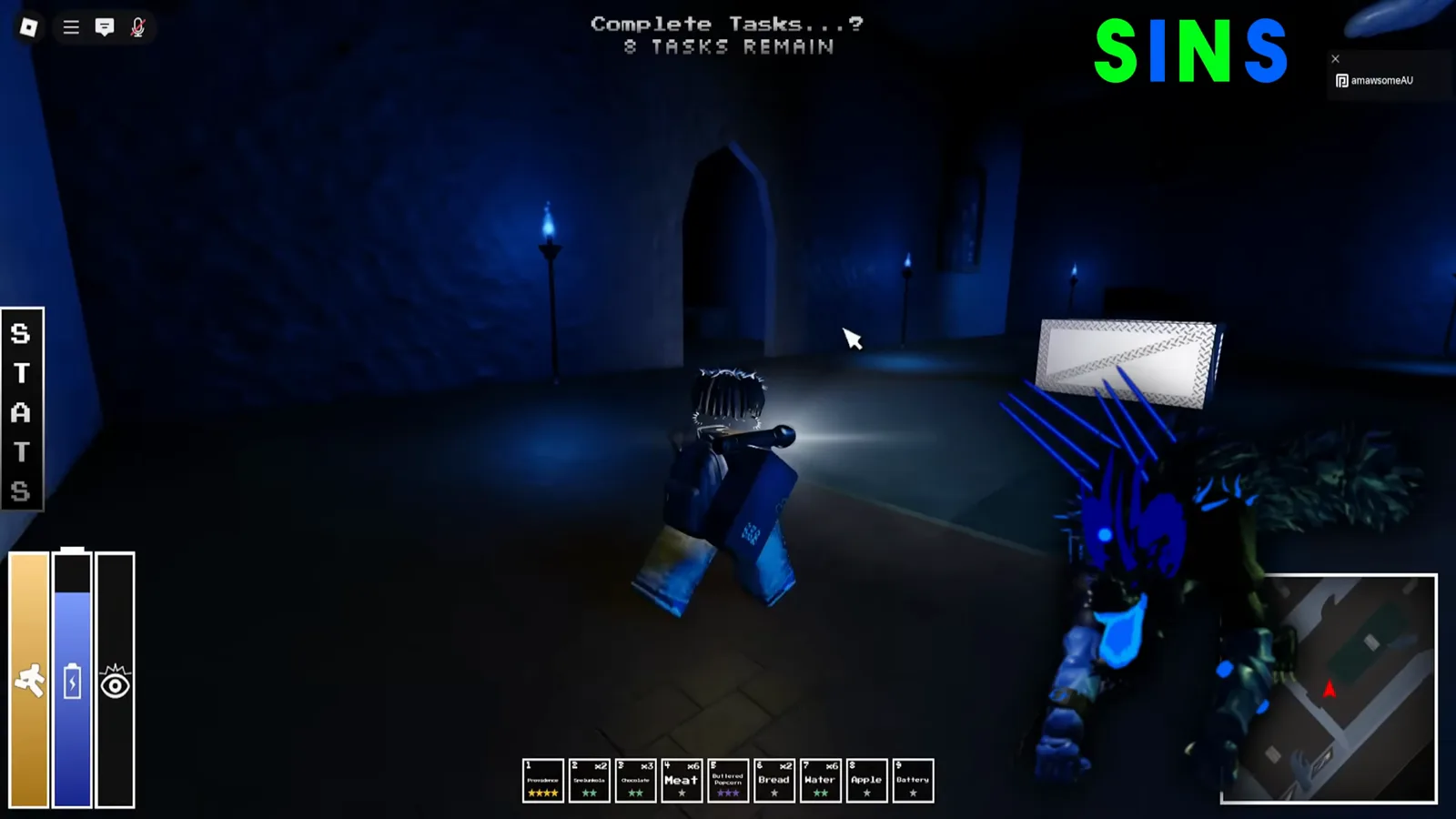
Invisibility: Wiki strategy states Sloth cannot see invisible players but still hears them, only briefly aggroes, and allows pass-through while invisible — useful for rescues, not for AFK hiding.
Tools: Wiki recommends task-highlight tools such as Providence or Tracker for overwhelmed squads. Verify battery costs in-run; we do not rank them as mandatory.
Reward track: completing Sloth’s Terminal bestiary unlocks Horns of Sloth per wiki item notes—clear count estimates in community guides are not official.
Compare other Deadly Sins routing on /entities/envy/ (mandatory floor 20–24) and the general /entities/ hub.
Common Ways Runs Fail to Sloth
- Solo “power banking” — waiting out power loss without a task pop hits summon thresholds.
- Freeloader floors — multiplayer penalty scales with lobby size.
- Finishing task one with zero plan — timer starts immediately with tasks still scattered.
- Hiding behind tables — LoS checks ignore them; only walls break sight.
- Gambling overtime movement — community reports crouch no longer saves you after zero.
What Changed in 0.7.0a / 0.7.0b?
| Patch | Sloth-relevant note |
|---|---|
| 0.7.0a | Official bullet: Sloth summon floor gate after floor 5. Envy/Echovore overhauls share the patch but are separate fights. |
| Earlier history (wiki) | Cathedral pathing, cutscene dialogue, and voice acting iterated across 0.6.x — see patch notes 0.7 for Recode context. |
| 0.7.0b | No new Sloth bullets in the public DevForum post. Cathedral behavior above assumes 0.7.0a unless future Discord notes say otherwise. |
This is not a full Sloth bestiary transcription — mechanics without DevForum mirrors stay labeled as community-sourced. Report inconsistencies with your gameVersion badge and the official Roblox experience build.
For revive budgeting after instant kills, read how to revive. For lazy-run prevention loadouts, cross-check /items/best-starter-items/.
Related Articles
entities
Depth Spelunking Echovore — Sound Boss Tactics (v0.7.0b)
Beat Echovore in Depth Spelunking v0.7.0b: sound rage, Factory tasks, minecart phase, and pipe rules. Stealth and task order—read before Factory.
entities
Depth Spelunking Envy Guide — The Sin of Envy (Floors 20–24)
Beat The Sin of Envy in Depth Spelunking: plant tasks on Envy's Coliseum, tangle warnings after half progress, spears and Leeching Roses. v0.7.0b.
entities
Depth Spelunking Eris Guide — Bonus Entity Events (v0.7.0b)
Understand Eris in Depth Spelunking: bonus entity events from floor 10+, Hard Mode floor 2+ spawns, and how to survive the extra monster she adds.
Was this helpful?
Thanks for the feedback!